People and roles
Who is in your organization, what each of them may do, and how a branch manager is kept to their own branches.
Members and roles
Everyone with access to your organization is a member with one role. The role decides what they may do, everywhere in the software, and it is checked on the server rather than by hiding buttons.
There are five roles. An owner can do everything, including seeing what the organization is charged. An administrator can do everything except billing. A content manager works on media, slideshows and campaigns across every branch. A branch manager works only on the branches assigned to them. A viewer can look at everything and change nothing.
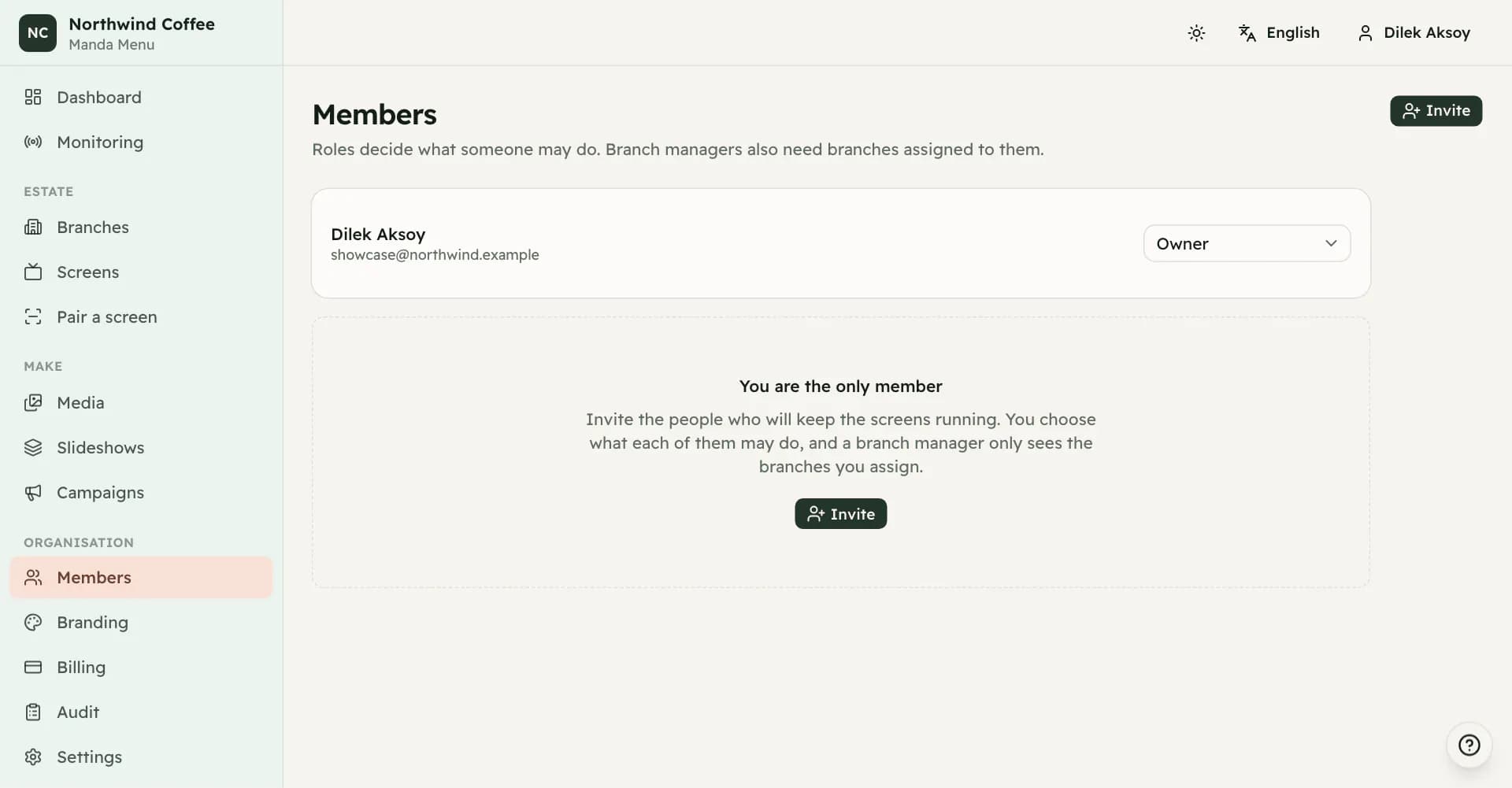
What each role can reach
Owners and administrators create branches and screens, pair and revoke displays, invite and manage people, change organization settings and branding, and read the audit trail. Billing is the owner's alone.
A content manager uploads and deletes media, builds slideshows, and creates, edits, publishes and activates campaigns. They cannot create branches or screens, cannot pair a display, and cannot change roles. They can see the member list without being able to change it.
A branch manager can update the screens at their branches, pair displays there, add media, edit slideshows and edit campaign configuration. They see only their assigned branches and the screens in them, everywhere in the software.
A viewer sees branches, screens, media, slideshows, campaigns and monitoring, and can change none of it. They do not see members, branding, billing or the audit trail.
Branch managers and scope
A branch manager needs branches assigned to them or they can reach nothing. The absence of an assignment denies rather than allows, which is the safe direction for a role that exists to limit reach.
Assignments are edited from the member list. When somebody stops being a branch manager their assignments are cleared, so a later change back does not silently restore an old scope.
Inviting people
An invitation is a link. Where mail is configured it is sent to the address you name, and either way it is shown to you so you can pass it on yourself. The link works once and expires after fourteen days.
You choose the role at the point of invitation, and for a branch manager you choose their branches at the same time, so an invited branch manager is never briefly unrestricted. Only an owner may invite another owner.
Anyone holding the link can join as that person, so send it directly to them. The link is never stored, only a fingerprint of it, which is why a lost link has to be reissued rather than looked up.
Revoking, reissuing and removing
Revoking an invitation stops the link working immediately, including the copy already sitting in somebody's inbox. Reissuing produces a fresh link and invalidates the old one, which is what makes it safe to use when a recipient has lost theirs.
Removing a member takes away their access and keeps their history in the audit trail. You cannot remove yourself, and the last owner cannot be removed or demoted; an organization with no owner cannot be administered again without the platform stepping in.