Monitoring
Whether each screen is online, running the configuration you published, and playing, with the alerts that say what to do about it.
What the page reports
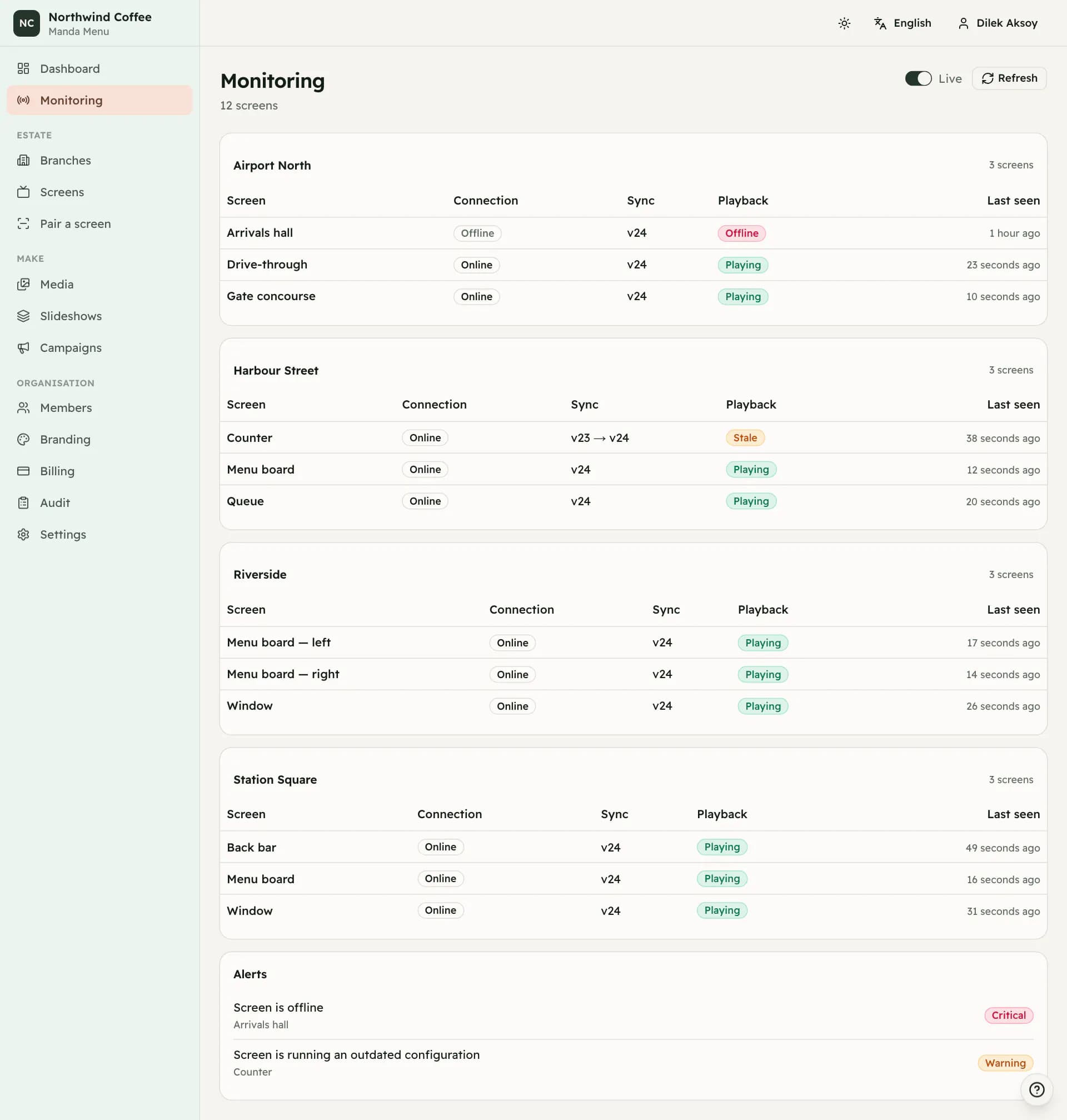
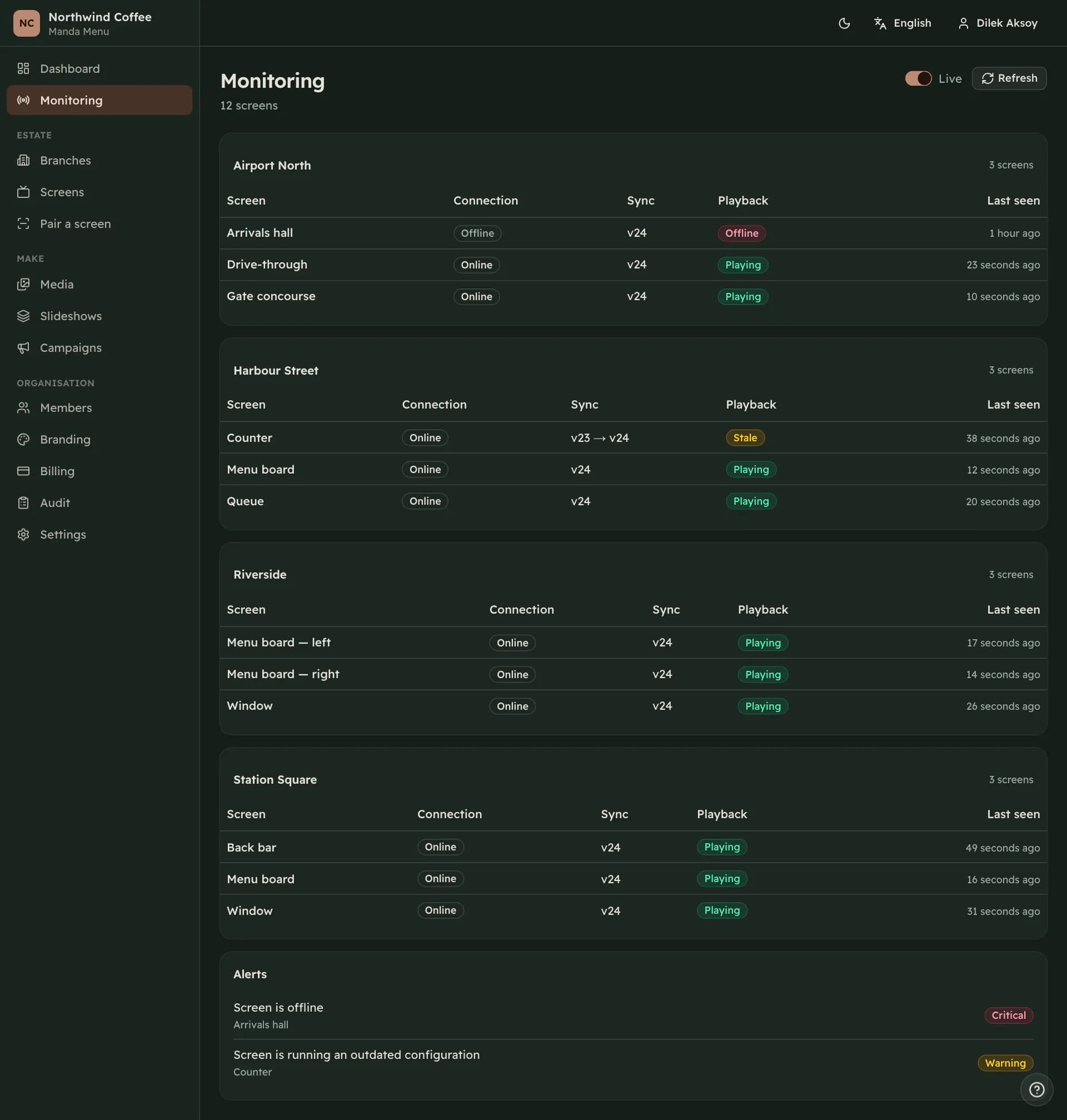
Monitoring lists every screen, grouped by branch, with four things: whether it is connected, which configuration version it is running, whether playback is healthy, and when it last spoke.
None of this is a flag somebody set. It is worked out each time from what the displays have reported, which is why a screen that is quietly showing last week's prices appears as stale rather than as fine.
The page can refresh itself while you watch, which is worth turning on during a rollout.
The states
There are seven. Connected means the live channel to the display is open. Synced means it is running the version you intended. Playing means playback is healthy. Stale means it is connected but running an older version. Degraded means it is running with an error it recovered from. Offline means it has not sent a heartbeat within the timeout. Unknown means it has never reported anything.
A screen can be several of these at once, and the badge shows the worst rather than the most flattering. A display that is connected but stale reads as stale.
Offline is a judgement about silence, not a message from the display. A television that lost its network is offline here while still playing perfectly at the branch, because with the default offline policy that is what it does.
The two version numbers
Server version is what this dashboard intends the screen to run. Player version is what the display last said it was running. When they match, the screen is synced.
A screen that stays behind for more than a few minutes is either not reaching the network, or reaching it and failing to download something. The alert list distinguishes the two.
Alerts
Alerts are collected under the table, worst first. Screen is offline and Media could not be downloaded are the two that mean a wall may be showing the wrong thing. Screen is running an outdated configuration means a publish has not landed yet.
Configuration could not be prepared and The renderer reported a failure both come from the display and both leave the previous configuration playing. Player storage is nearly full means the device is running out of room for cached media. Device credential is invalid or revoked means it needs pairing again. Screen has never connected means a screen record exists that no television ever reached.
When there is nothing to watch
Until screens exist, this page says so rather than reporting that an estate of zero screens is healthy. A green tick over nothing spends the credibility of the same tick on the day it means a shop's menu board came back.
The dashboard carries a shorter version of the same information: eight counters and the screens that need attention, with when each was last seen.