Campaigns
A campaign is the decision about what every screen shows. Exactly one is active at a time, and nothing reaches a wall until it is published.
What a campaign is
A campaign holds, for every screen in the estate, what that screen should show. Ramadan hours, a summer menu, the ordinary week: each can be a campaign, prepared in full and switched on when it is due.
Exactly one campaign is active at any moment, and that is enforced by the database rather than by good behaviour. Campaigns that are not active are drafts you can work on freely, archives you can look at, or trash.
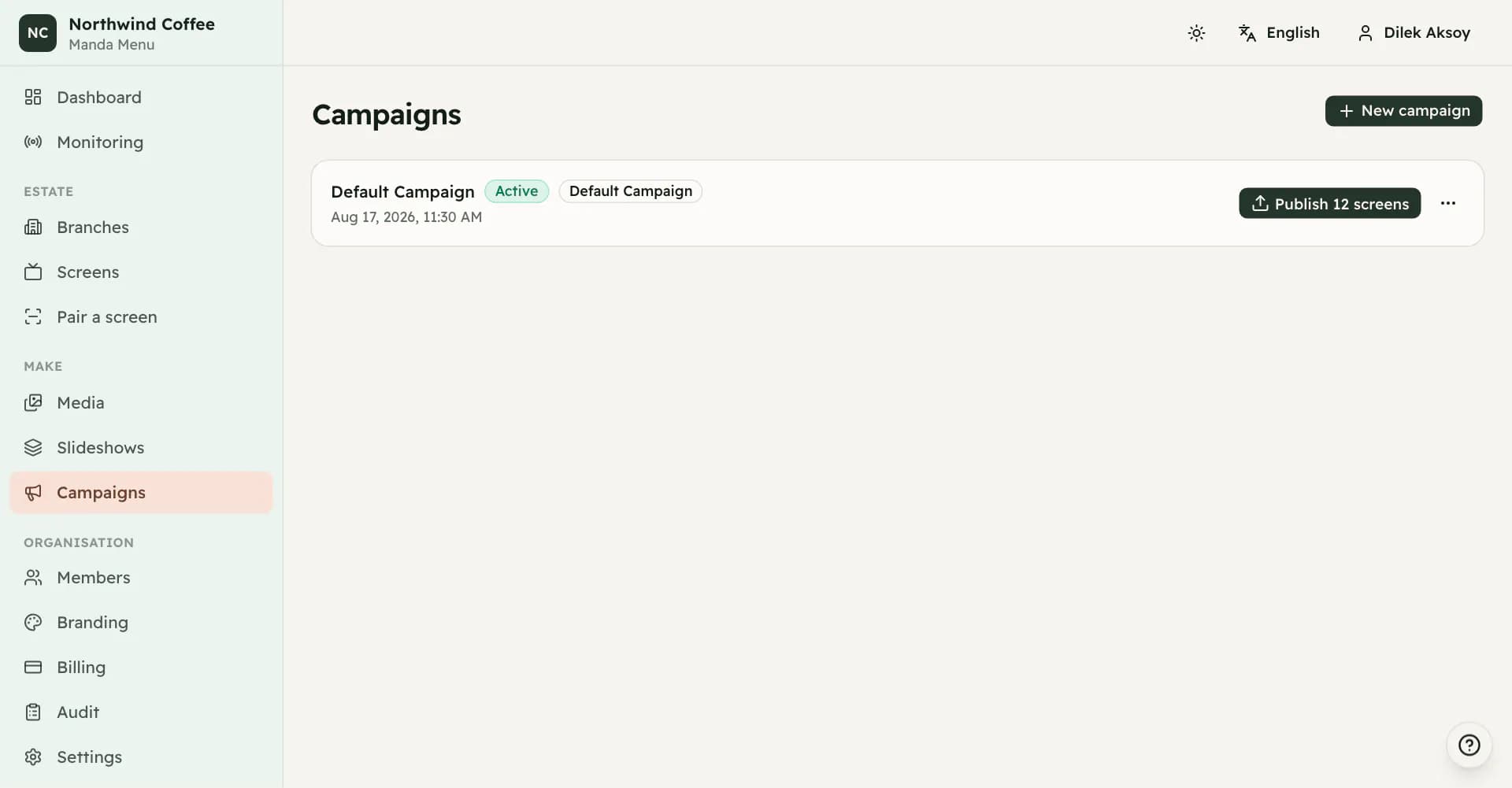
The Default Campaign
Every organization is created with a campaign called Default Campaign, and it is active from the first second. You can rename it to whatever your business calls its ordinary state. You cannot delete it: it is what screens fall back to.
New campaigns can start empty, as a duplicate of the Default Campaign, or as a duplicate of any other campaign. Duplicating copies the configuration but never the screens themselves, so both campaigns are talking about the same physical estate.
Giving a screen something to show
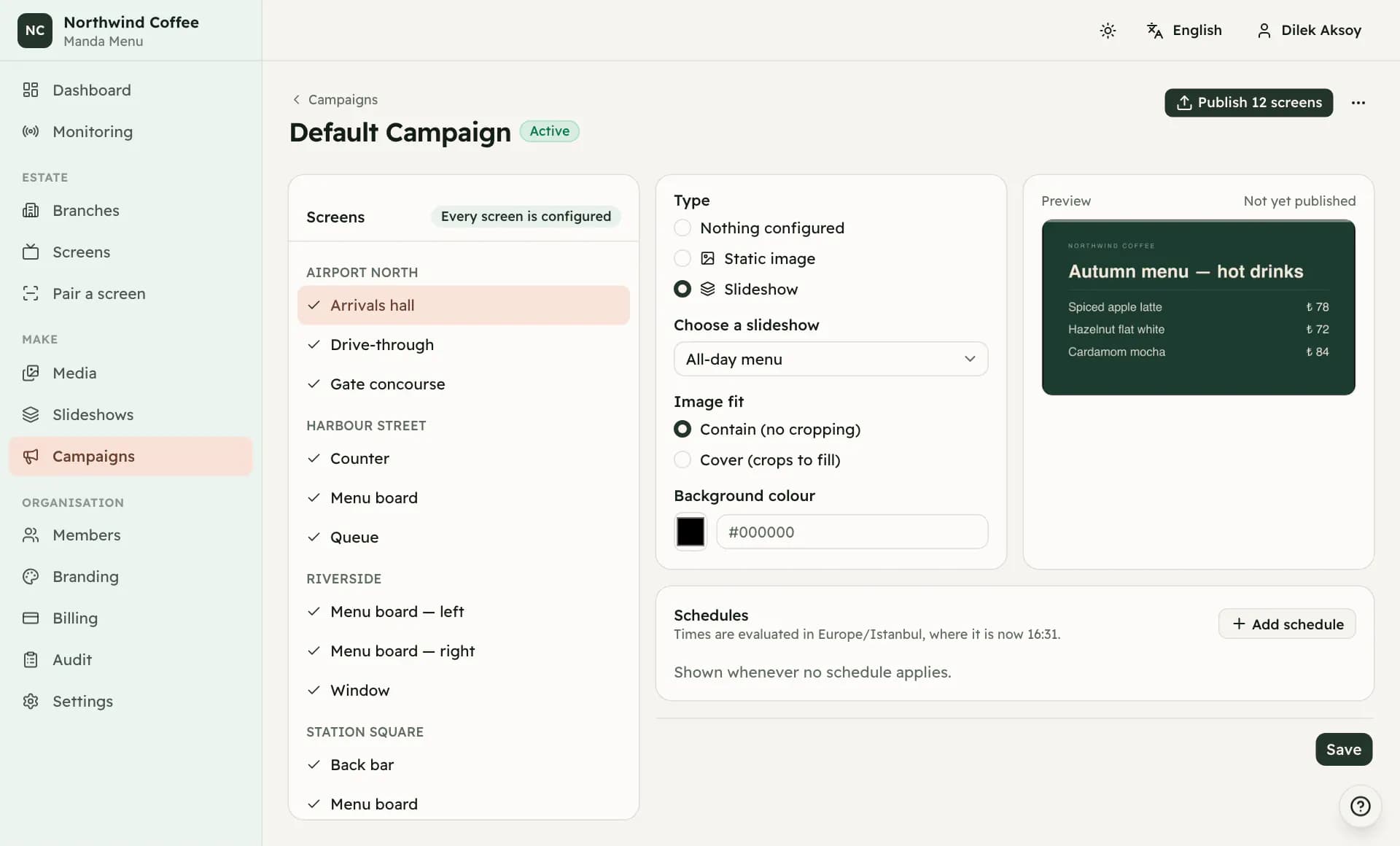
Open a campaign and every screen in the estate is listed, whether or not the campaign is the active one. Choose a screen and set its presentation: nothing configured, a static image, or a slideshow.
Image fit is either contain, which shows the whole picture and leaves bars where the shapes do not match, or cover, which fills the screen and crops. For the space contain leaves over you can set a background colour or a background image.
When several screens in a group should show the same thing, configure one and apply it to every screen in the group.
Schedules
A screen can have schedules on top of its default presentation. A schedule names an image or a slideshow and a window: a date range, particular days of the week, and a time from and to. Outside every window, the default presentation plays.
Windows are evaluated on the device itself, in the branch's timezone, which is why breakfast still ends at eleven at a branch whose connection went down at nine. A window whose end time is earlier than its start crosses midnight.
When two windows overlap, the higher priority wins. If the priorities are equal the narrower window wins, and if they are the same width the one declared first does. A scheduled slideshow whose slides have all been deleted is skipped rather than shown as an empty window.
Named windows
Breakfast, lunch, happy hour: the hours your company thinks in. Define them once on the Settings page, and a schedule anywhere in the estate can follow one instead of carrying hours of its own.
A window that follows a named one shows no time fields at all. The hours live in one place, and two copies of when breakfast ends is the thing this removes. Change the window on Settings and every screen following it is republished in the same act — you do not have to know which screens those are.
Deleting a named window leaves the schedules that followed it working: their hours are written back onto them first. What is lost is the shared name, not the windows.
Publishing
Nothing reaches a wall until it is published, and only the active campaign publishes. Editing a draft touches no television.
The publish control says how many screens would actually change. Screens whose instructions are identical to what they already have produce no new version and are not woken, so republishing an unchanged campaign is harmless.
A single screen can also be published on its own, from its own page, without sending the rest of the estate anything.
A screen that receives a new version keeps playing what it has until the new version has downloaded completely, then switches over. A download that fails leaves the old version running and is retried, so a single unreadable file never blanks a wall.
Activating, archiving and trash
Activating a campaign deactivates the current one and publishes the new one, in a single step, so the estate never passes through a moment with no campaign at all. The campaign that was active becomes a draft.
The active campaign cannot be archived or moved to trash. Activate another one first. The Default Campaign can be archived but never trashed.
Trash is recoverable for the length of your retention window, thirty days unless somebody changed it. A restored campaign comes back as a draft or an archive, never as the active one.