Branding
Your logo and your colours on the dashboard your team signs into, and what branding deliberately does not touch.
What branding changes
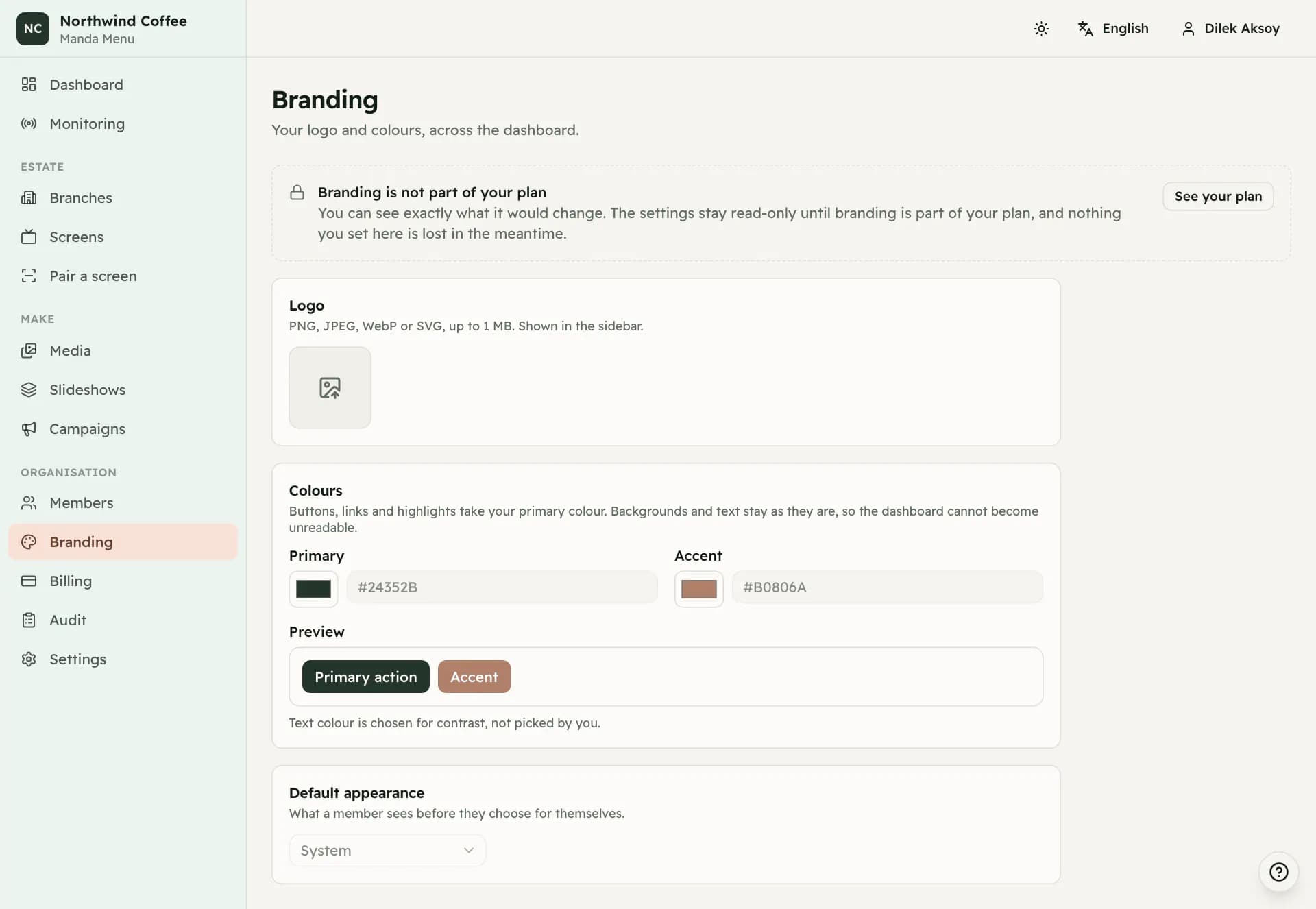
Branding puts your logo in the sidebar and your colours on the dashboard. Buttons, links and highlights take your primary colour; the accent colour is used alongside it.
Backgrounds and body text are left alone on purpose. A colour picker that could turn the text the same shade as the page behind it is a colour picker that can make the software unusable, so the parts that carry legibility are not yours to set. Text colour on a coloured button is chosen for contrast rather than picked by you.
The logo
PNG, JPEG, WebP or SVG, up to one megabyte. It appears in the sidebar at the top of every page.
Removing the logo takes it out of the dashboard. The uploaded file itself is left in place so that anything still holding its address, including a page printed five minutes ago, does not break.
Default appearance
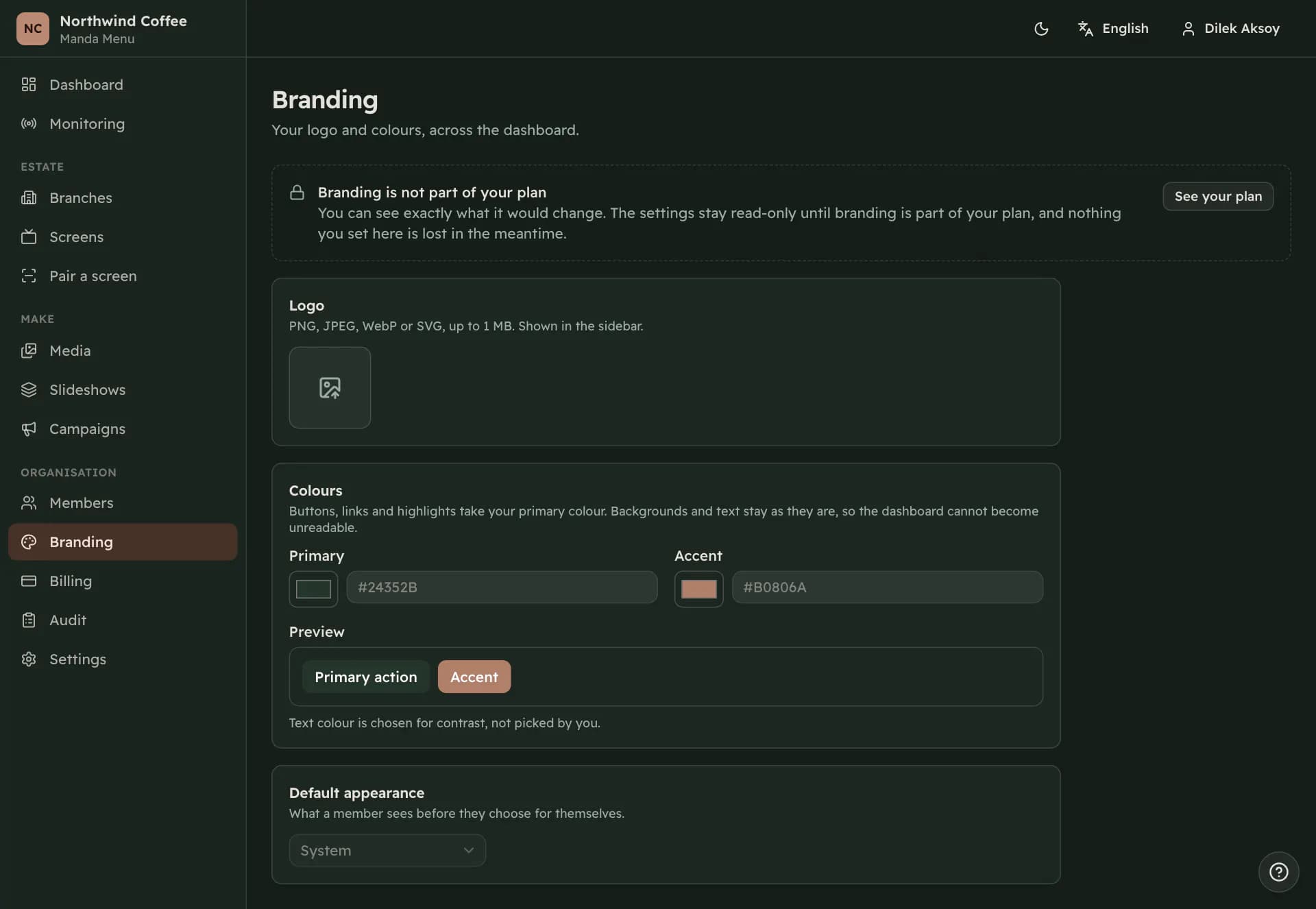
Light, dark or system, and it is what a member sees before they choose for themselves. Anyone can override it from the header and their choice is theirs from then on.
When branding is not in your plan
Branding is part of some plans and not others. Where it is not included the page still shows you everything it would change and everything stays read-only, with a line at the top saying so and a link to your plan for the people allowed to look at it.
Nothing you set is lost in the meantime, and the invitation to brand the dashboard only appears on the dashboard once a screen is actually live and only when the plan includes it.