Branches
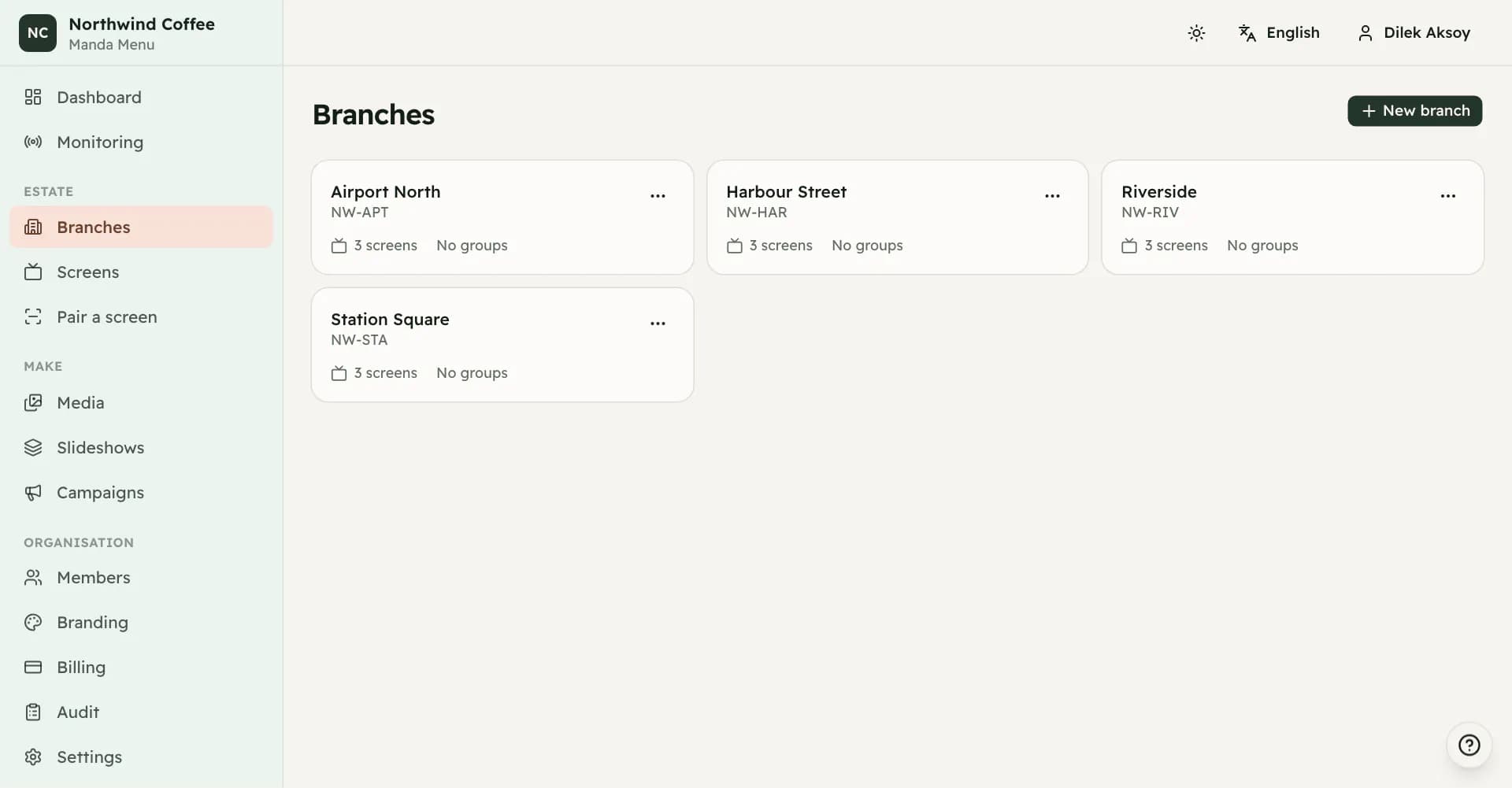
A branch is one location. It carries the address a display is paired at, the timezone schedules run in, and the boundary a branch manager works inside.
What a branch is
A branch is one location: a store, a lobby, a site. Screens live inside branches, so this is the first thing to create and nothing else can be built until at least one exists.
A branch is more than a label. Everything in it shares an address for pairing displays, a timezone that schedules are evaluated in, a fallback image, an offline policy, and the people who are allowed to work on it.
Creating one
A branch needs a name. Everything else is optional: a branch code, a street address, a timezone and a player language.
The branch code is worth filling in. It becomes part of the address you open on the television when pairing, which means it is the thing you read down a phone line to somebody standing in the shop. A branch with no code still gets a working address, but the address uses the branch's internal identifier instead, which is longer and harder to dictate. Adding a code later does not break the old address; both keep working.
What a branch passes down
Timezone, player language, fallback image and offline behaviour can each be set on the branch, and each of them is inherited by every screen in it. Leave one blank and the branch inherits the organization's setting instead. Set the same thing on an individual screen and the screen wins.
The timezone is the one to get right early. Schedules are evaluated against the branch's timezone on the device itself, so a breakfast board that ends at eleven ends at eleven where the shop is, not where head office is.
Screen groups
Inside a branch you can group screens: entrance, counter, waiting area, drive-through, upper floor, outdoor, or a name of your own. A group is a convenience for finding and configuring screens together, not a second layer of settings.
The suggested names are a starting point. Rename one to something your staff actually say and it becomes a custom group, which means the name is yours from then on and is no longer translated when somebody opens the dashboard in another language.
Duplicating a branch
Duplicating copies the shape of a branch: its groups, its screens, and their sizes, orientations, languages, fallback images and offline policies. You can choose to copy the presentation configuration too, so the new branch starts out showing what the old one shows.
What is never copied is the identity of the displays. New screens are created with new identities, and no device credential, pairing state, session or telemetry comes across. Every television at the new branch has to be paired for itself. The new branch also starts with no branch code, so give it one before you go out to pair.
Archiving
Archiving a branch takes it out of the working list. Its screens stop receiving new configuration and its address stops resolving for pairing.
There is no way to un-archive a branch from the dashboard. Archive one only when the location is closed or was created by mistake.