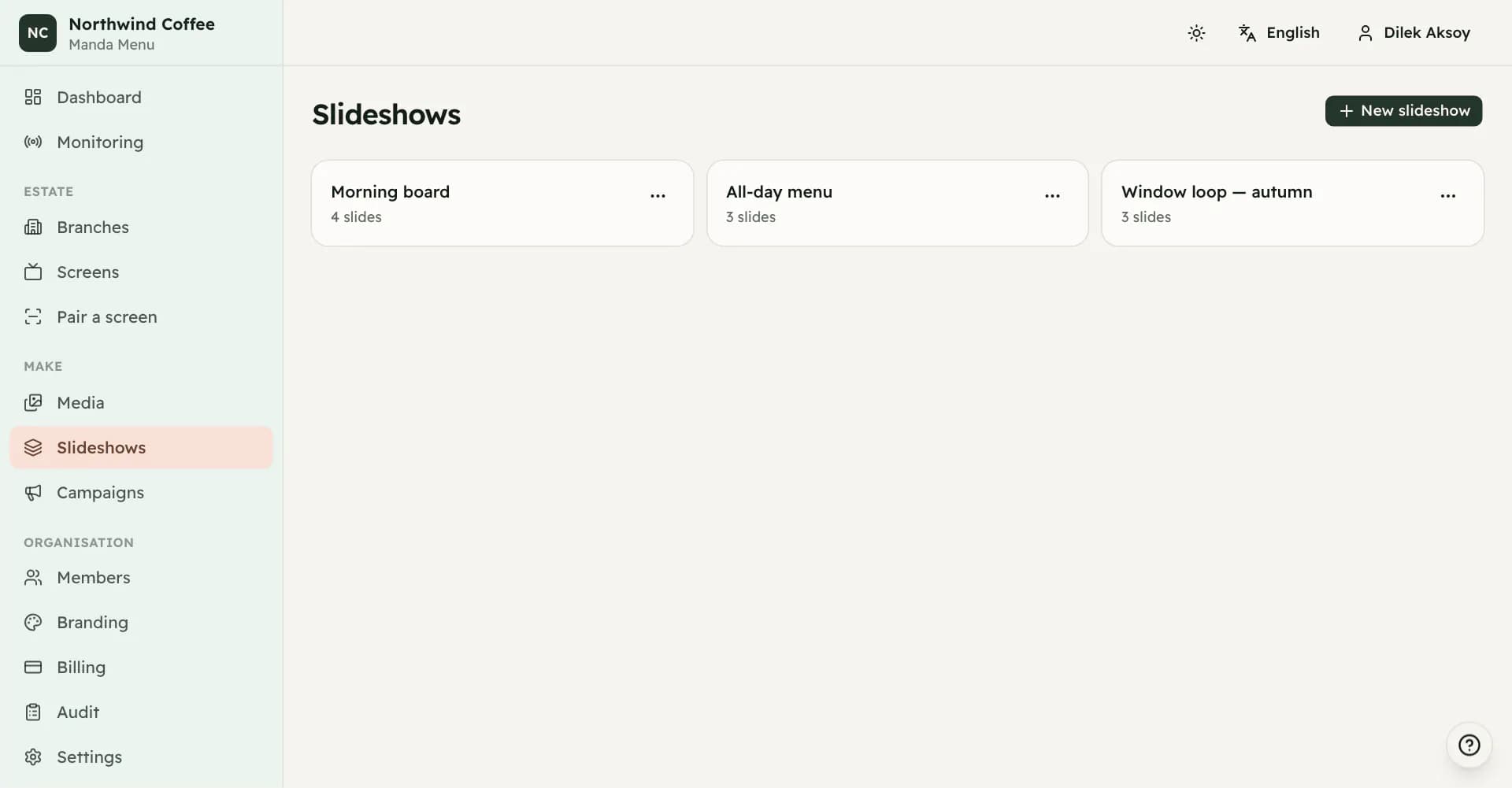
Slideshows
Media in the order you want it seen, with how long each item stays up. One slideshow can play on any number of screens.
What a slideshow is
A slideshow is a list of media in an order, with a duration for each item. It is not tied to a screen. Build one and you can give it to a single counter display or to every board in the group.
Slideshows are built from your media library, so there is nothing to make here until something has been uploaded.
Building one
Add slides from the library and drag them into the order you want. Each slide can carry its own duration and transition, or leave both blank and it follows the slideshow's defaults.
The slideshow carries a default duration, a default transition of fade or none, and whether it loops. A duration can be anything from half a second to an hour, though in practice a signage slide sits between five and fifteen seconds.
The whole slideshow is saved in one go. If it is being used by the campaign that is currently active, saving publishes the change to the screens playing it.
Video and embeds as slides
A video plays in full and then the rotation moves on, so a thirty-second spot is not cut at fifteen. Its length is the one measured by the browser when it was uploaded.
An embed plays for the number of seconds you set on it when it was added to the library, since nothing here can ask the provider how long it runs. If the number is wrong the slideshow moves on early or sits on it too long; correct it on the media item rather than on the slide.
Deleted media in a slideshow
Deleting media does not tear holes in your slideshows. The slide stays in the editor, marked as deleted, and playback skips over it. You can restore the media, restore a copy for this slideshow only, or remove the slide.
If every slide in a slideshow is unplayable, screens using it fall back to their fallback image rather than showing black.
Deleting a slideshow
Deleting a slideshow leaves its slides in the media library untouched. Screens that were playing it fall back to their default presentation.
Check the campaigns first. A slideshow deleted while it is the presentation on six screens leaves those six with nothing configured.