Organization settings and audit
The defaults every branch and screen inherits, what happens when a display loses its connection, and the record of everything done in your organization.
Organization settings
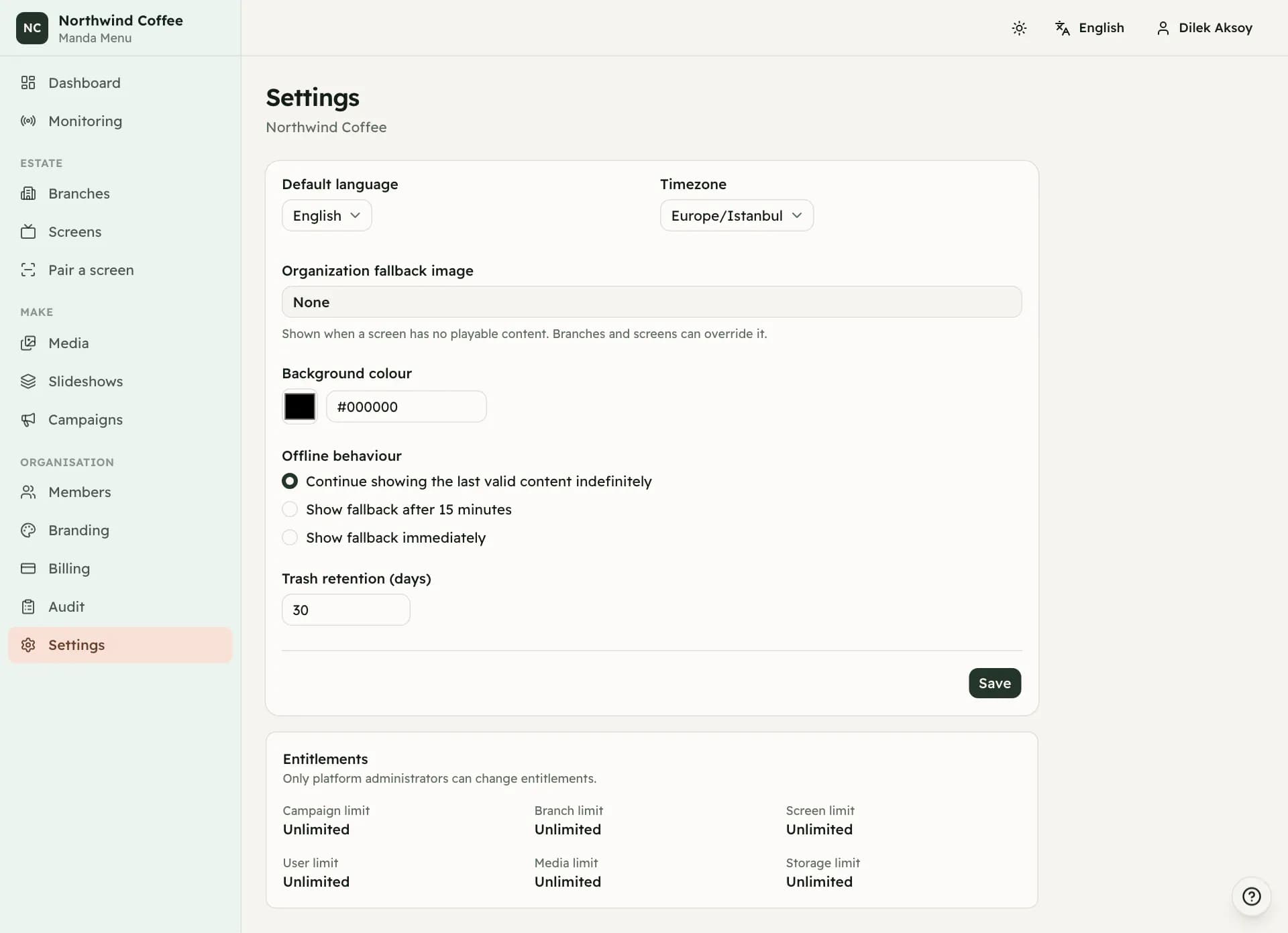
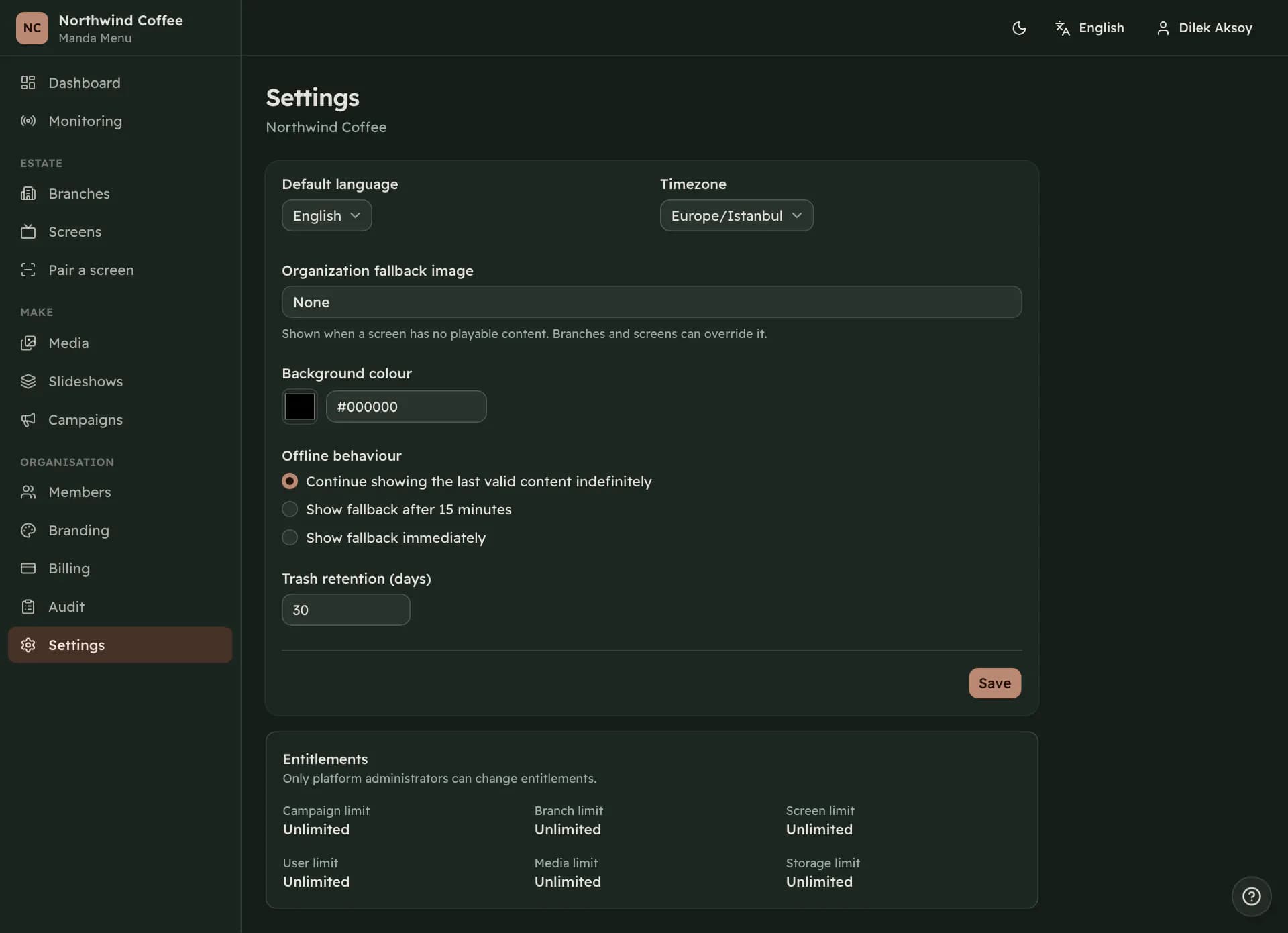
Settings holds the defaults everything else inherits: the default language, the timezone, the fallback image, the background colour behind letterboxed content, offline behaviour, and how long deleted things stay recoverable.
Branches override the organization and screens override branches, so what you set here is the answer for everywhere that has not said otherwise. Changing any of it republishes the active campaign, and screens whose instructions did not change are left alone.
The timezone is validated against the platform's own zone database rather than a list somebody typed, so anything real is accepted.
The fallback image
The fallback is what a screen shows when it has nothing playable: no presentation configured, or every slide in its slideshow deleted. Without one, such a screen shows the background colour.
It is inherited screen first, then branch, then organization. Setting it on a branch covers a whole location; setting it on one screen covers the odd wall that needs its own holding image.
Offline behaviour
Three choices, and they decide what a display does when it can no longer reach this service. Continue keeps playing the last valid content indefinitely. Show fallback after a number of minutes switches to the holding image once the silence has lasted that long. Show fallback immediately switches as soon as the connection drops.
Continue is the default, and for a menu board it is usually the right one: the prices on the wall were correct this morning and a customer at the counter would rather read them than a holding image.
The choice is inherited the same way as the fallback image, so one branch on a bad line can be set to fall back while the rest keep playing.
Trash retention and entitlements
Trash retention is how many days deleted media and trashed campaigns stay recoverable before they are removed for good. Thirty days unless somebody changed it.
Entitlements, the limits on branches, screens, members, media, campaigns and storage, are shown here but only platform administrators can change them. Everyone else sees them to know what the account is allowed.
The audit trail
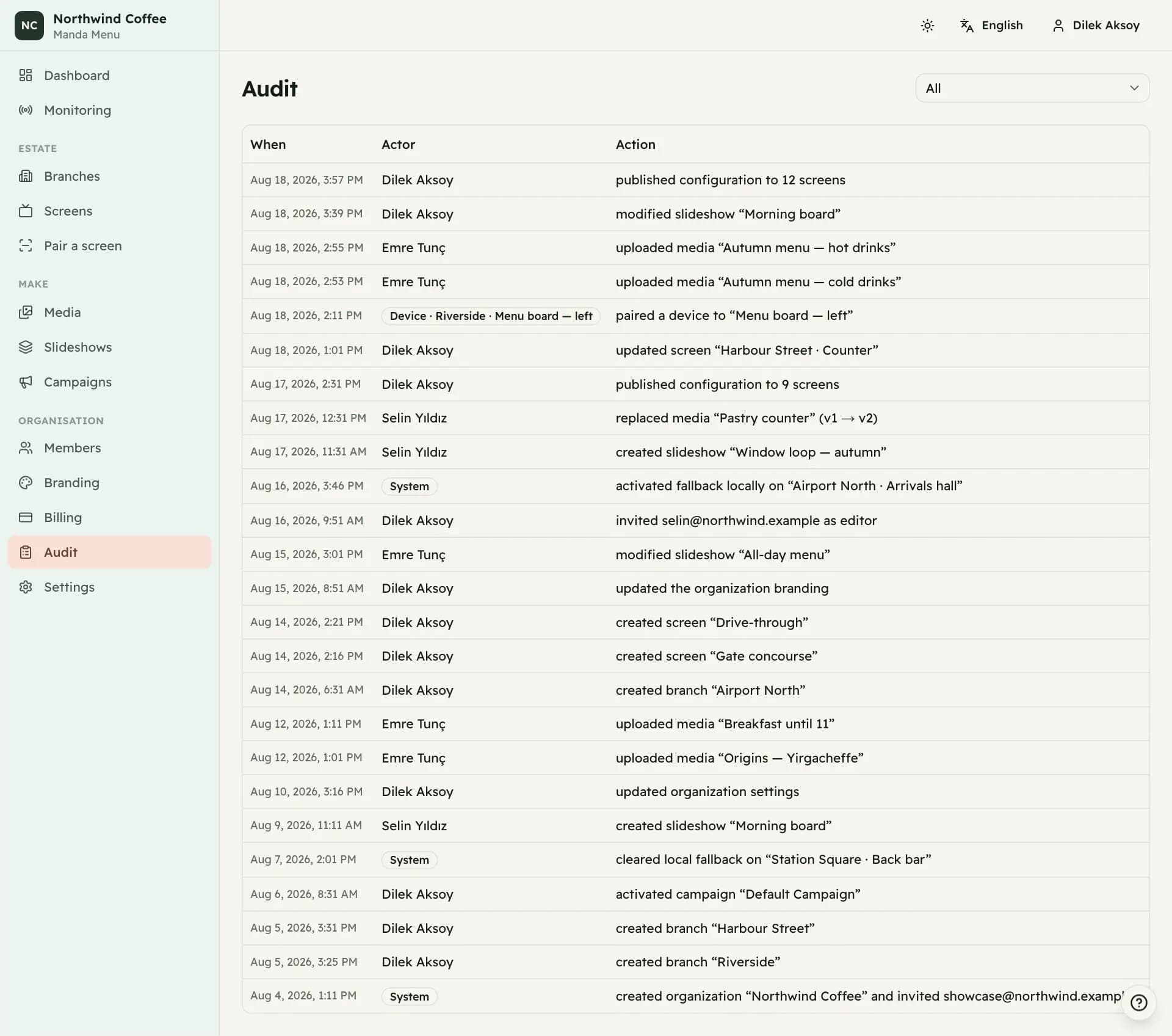
Everything done in your organization is recorded: who did it, what changed and when. Uploads, deletions, publishes, activations, pairings, revocations, role changes, invitations, settings and branding.
Records are stored as codes and turned into sentences when you read them, in your own language, so the same event reads correctly in English, Turkish and Arabic. Filter by action to narrow the list, and page back through it with the link at the bottom.
Actors are usually people. Some entries are marked as a device, where a display did something itself, or as the system, where the platform did. Removing a member takes away their access and leaves their history here.
Your own account
Your interface language and your light or dark preference live in the header and are yours rather than the organization's. Changing them affects nobody else.
Your password is changed from the account menu and needs your current one. A new password must be at least ten characters. If an administrator set up your account with a password they chose, you will be sent to the change-password screen and nothing else will open until you have set your own.